
Back to school 2026
Find out more about we can help you at the start of this school year
Find out more about we can help you at the start of this school year
Nearpod includes the interactive tools, resources and content teachers need, all in one place allowing you to gain real-time insights into student understanding through interactive lessons with built-in gamification, quizzes, polls, videos and other activities.
Nearpod is loved by thousands of teachers across the world with 1.3 million lessons taught through the platform last year in Europe alone.
Enhance trusted White Rose Maths lessons with Nearpod’s interactive teaching platform. Add engaging activities, formative assessment, and real-time insights to help students participate, practise, and build confidence in maths.
Enrich or provide extra support to meet students where they are, from wherever they are learning, through three teaching modes: student-paced, live participation or front of class.
Create tailored lessons in just a few clicks and share them discreetly so that students receive the support they need without being singled out.

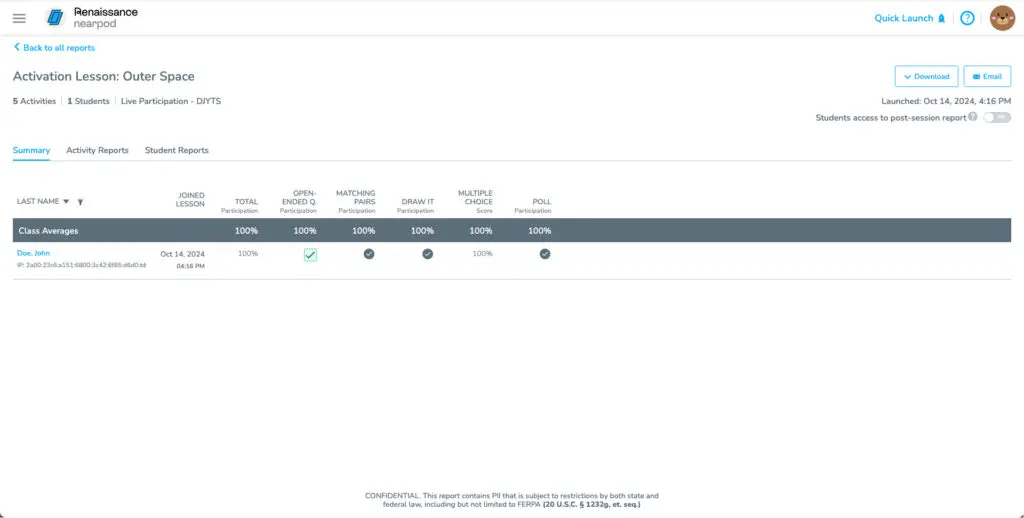
Real-time reporting allows you to gather data on student understanding so you can adapt lessons or address misconceptions in the moment. Post–session reports allow you to review students’ work.
Our built-in Immersive Reader offers over 60 language translations to support EAL students, as well as allowing students to listen to the text through read aloud, adjust how text appears and access the picture dictionary.
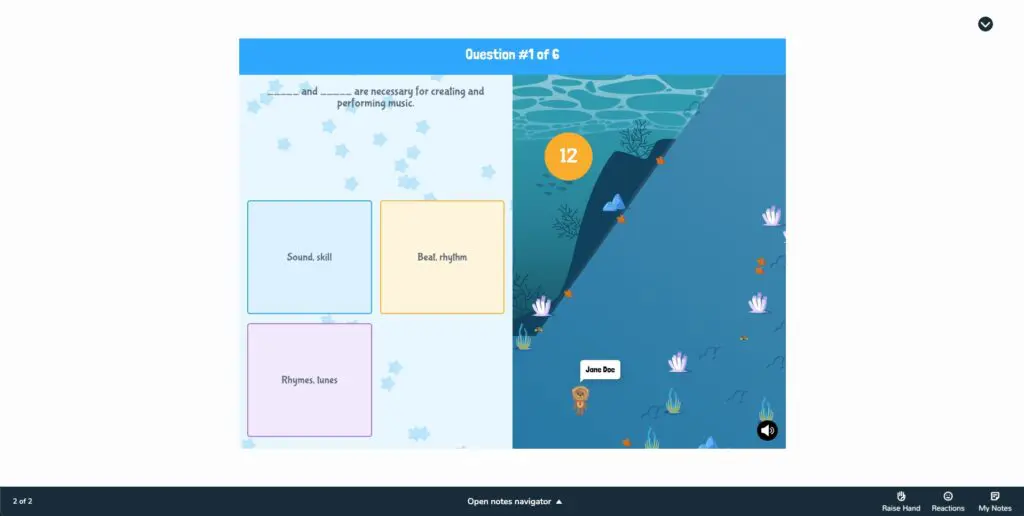
Facilitate classroom discussions with perspectives from every student with collaborative boards, open-ended questions, polls and more. Turn on anonymous responses to encourage participation from those who may be reluctant to speak up.
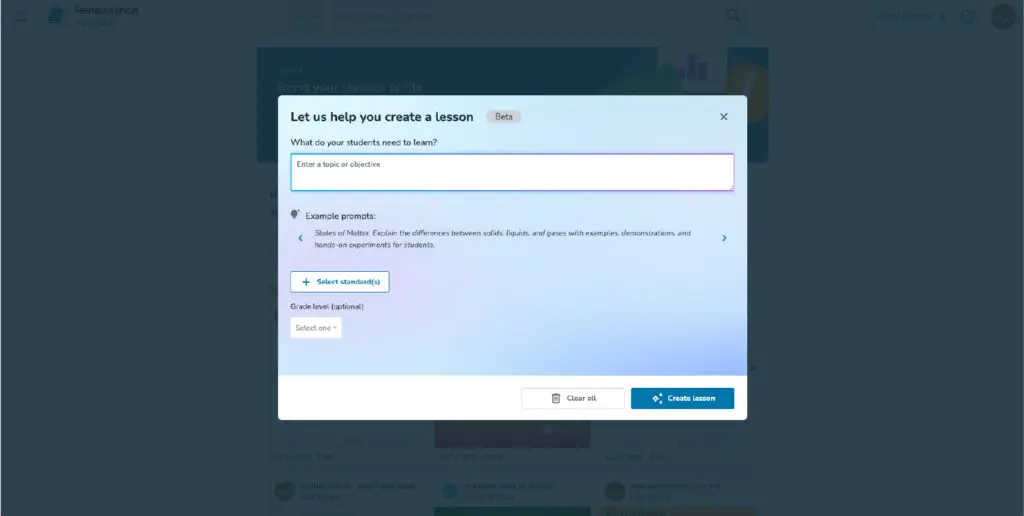
Use our AI Create Lesson Generator to instantly create interactive AI-generated lessons complete with Nearpod activities, formative assessments, and gamified experiences.
Generate multiple-choice questions perfect for warm-up activities, to check for understanding, and more with AI Create Question Generator.
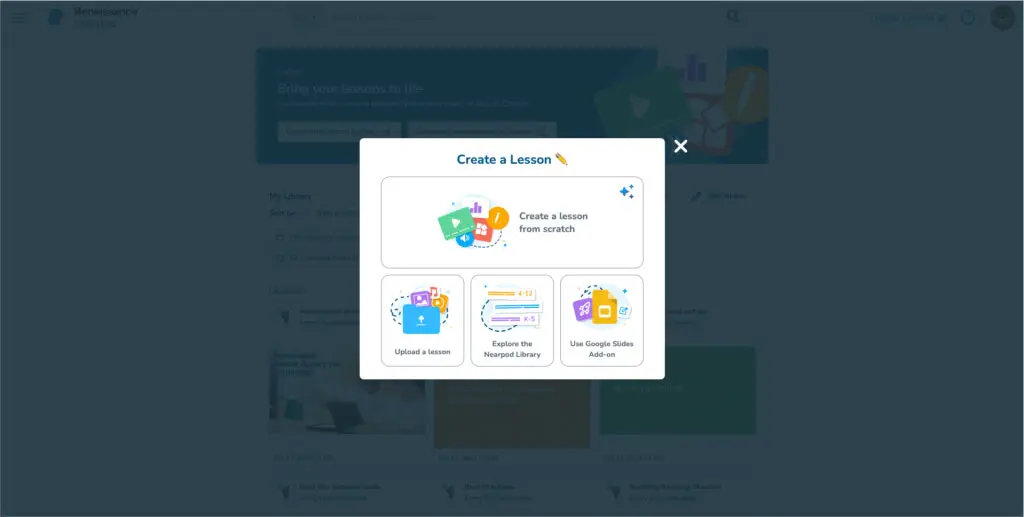
Nearpod can be added to all your existing PowerPoints, Google Slides or other resources you love – no need to recreate them.
Assign and manage lessons in your learning management system and other platforms you are already using.
Transform trusted White Rose Maths content into engaging, interactive learning experiences with Nearpod.

Education Specialist Emma Dibden outlines the challenges for inclusive SEND provision in mainstream schools and suggests some solutions.

Education Specialist Frances Kingston discusses the challenges in the transition from primary to secondary and how our solutions can help.
A teaching and learning tool that provides differentiated maths practice that balances learning with fun.
Engage with the world of news by providing relevant, topical and age-appropriate news every day.
myON is a teaching and learning tool that gives students unlimited access to thousands of high-quality, authentic digital texts. Designed...
From webinars to bespoke sessions, our comprehensive and flexible training programmes ensure you can maximise your GL Assessment tools.
Turn insights into actionable outcomes. Unlock the full power of your assessment data with dedicated support from our Education Advisors.
All of our assessments come with a suite of helpful guides designed to get you started and keep benefiting from the data. Technical information and platform support are here too.
Need to place an order? Or have a technical question? You’ll find our contact details here – people, not call centres, just a phone call away.
Activities include:
There also a range of maths manipulatives:
Nearpod is compatible with PCs, laptops, tablets and even some gaming consoles. It can be accessed through any web browser when connected to the internet.
No, you can upload any existing PowerPoint, Google slides or other resources straight into the platform and enhance them with Nearpod’s interactive tools.
You can use:
AI Create includes Question Generator and Lesson Generator functionality:
Currently, Nearpod’s AI Create is powered by OpenAI’s GPT-4.o mini. Nearpod has developed a proprietary system of intermediary prompts, safety guards, evaluations, and validations to ensure the output is safe, relevant, appropriate, and tailored for the classroom. Nearpod’s AI does not use or collect any user data to train the model.
Generated content is 100% customizable and requires human interaction to be deployed to students, keeping the teacher at the center. AI Create requires teacher review and input at multiple points throughout the creation process. Educators can preview and edit the generated content prior to finalizing a lesson or multiple-choice formative assessment.